Frequently asked questions
What is PosterMyWall’s email scheduler?
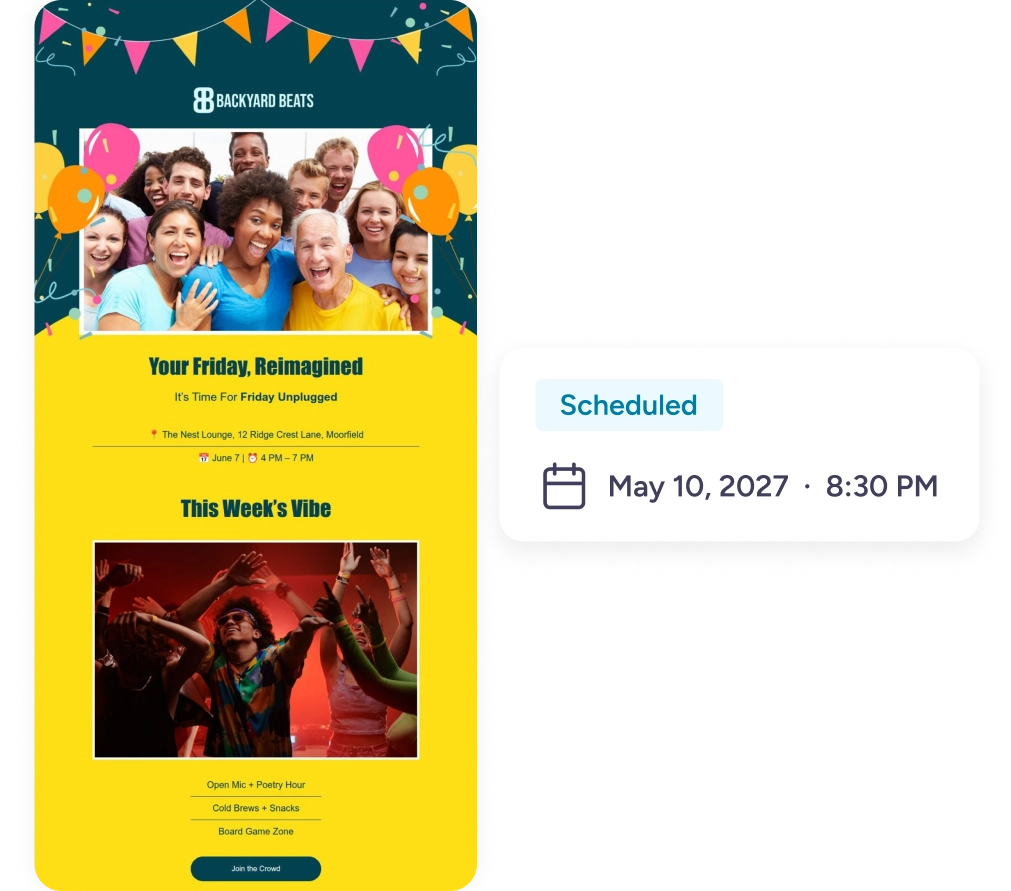
Email scheduler lets you set a specific date and time for your email campaigns to be sent out automatically.
How do I schedule an email on PosterMyWall?
Customize your email template, select your mailing list, and click "Schedule for later" to choose a date and time. PosterMyWall takes care of sending it out at the selected moment.
What is the best time to send emails?
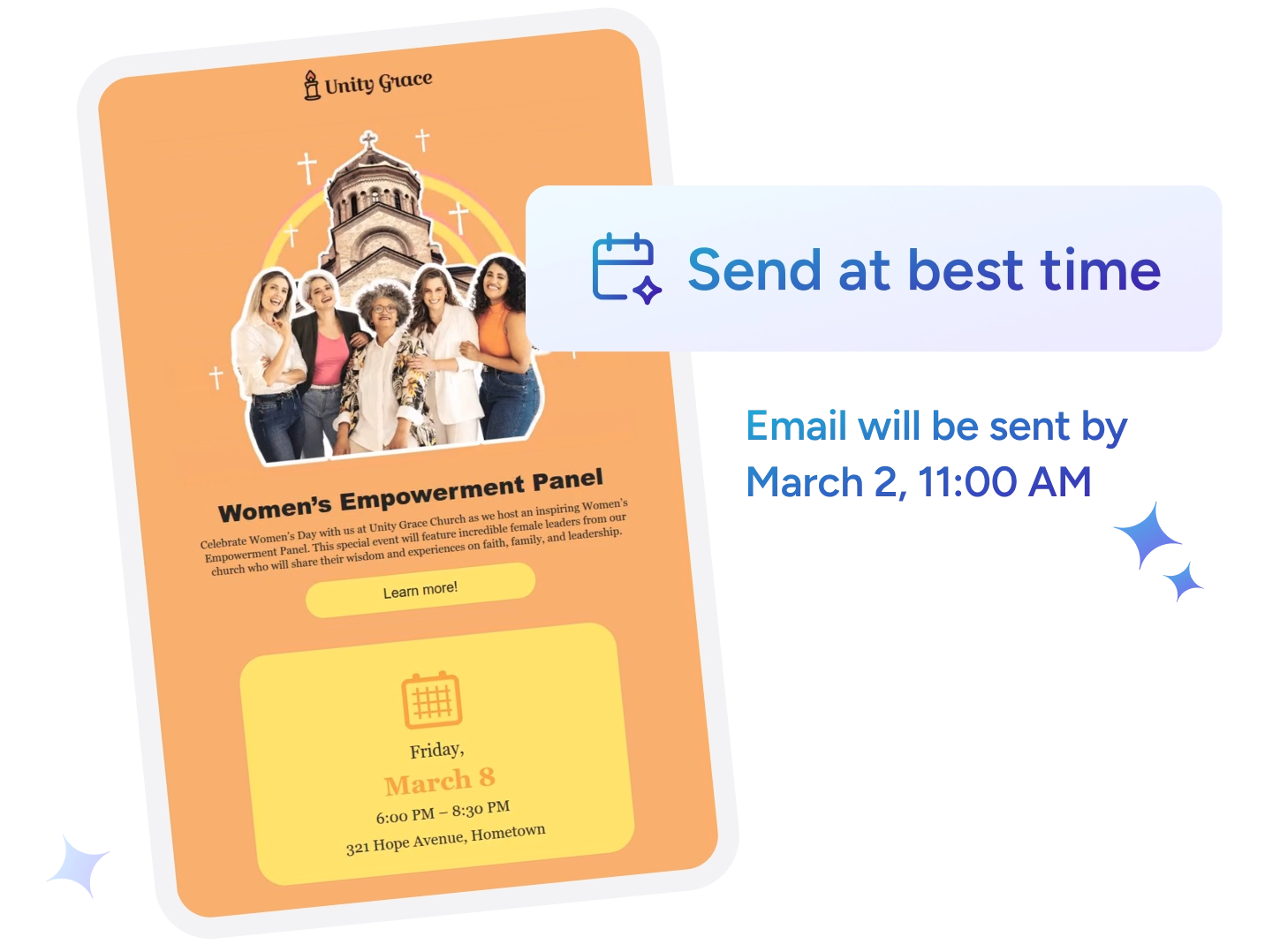
PosterMyWall’s email scheduling tool offers an option to select “Send at best time” for your emails. This automatically picks the ideal send time for your campaign based on your mailing list’s average email open times. If it’s your first send to a list, it defaults to the standard best-performing marketing time for the day.
Can I schedule multiple emails in advance?
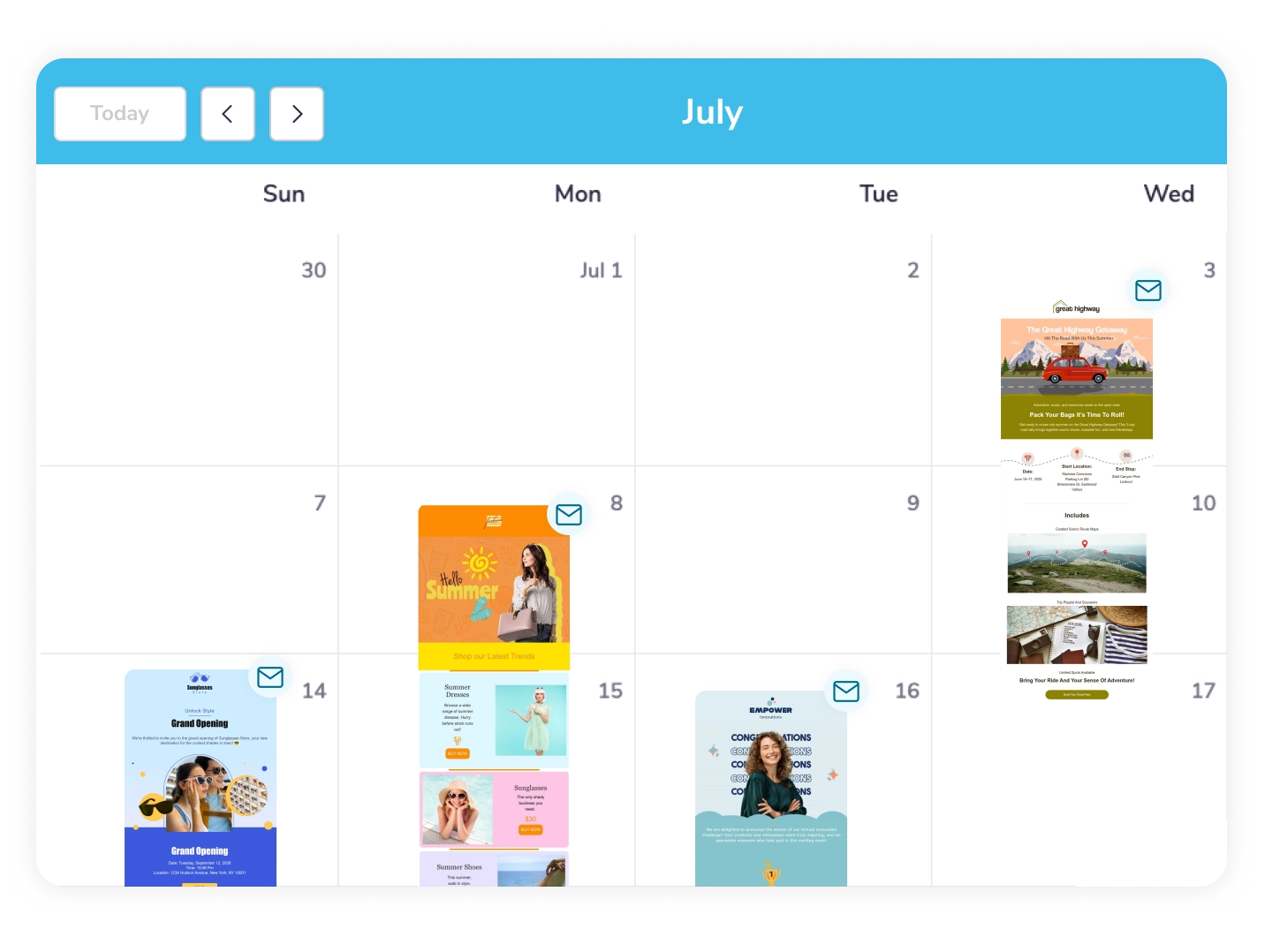
Yes. You can schedule as many campaigns as you’d like, ahead of time, and manage them all from the Content Planner.
Can I edit or cancel a scheduled email?
Yes, you can edit the content, mailing list, or send time of a scheduled email, or cancel it entirely, any time before it goes out.
Is the email scheduler available on the free plan?
Email scheduling requires a PosterMyWall premium subscription. Free plan users can try it by signing up for a free trial or by upgrading to Premium.